Horn Change
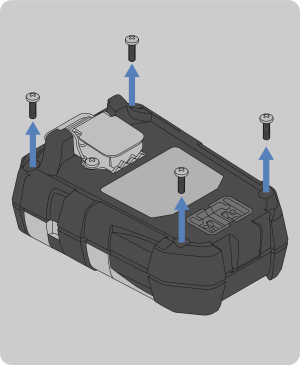
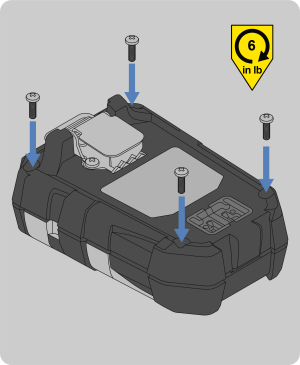
This section will provide a brief description on how to change the horn in the ALTAIR io 4 Gas Detection Wearable.
Tools Required:
| • | Phillips head #1 torque screwdriver |
|
|
|||||||||

|
NOTE: The sensors may stick to the gasket when the front housing is removed. If this occurs, see Step 4 of Sensor Change to reinstall the sensor.
|
|||||||||

|
|
|||||||||

|
NOTE: Make sure to align the two pins with the two receptacles. Install the horn so the text on the top surface of the horn is aligned as shown in the graphic. |
|||||||||

|
|
|||||||||
|
|